
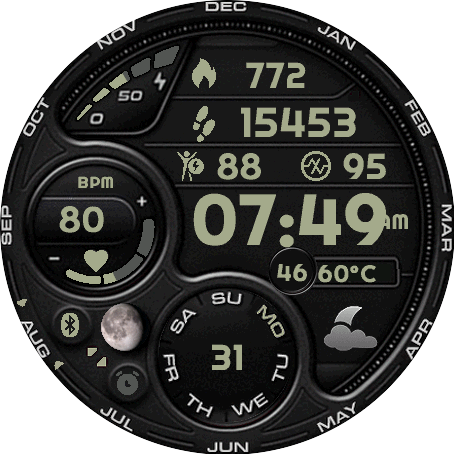
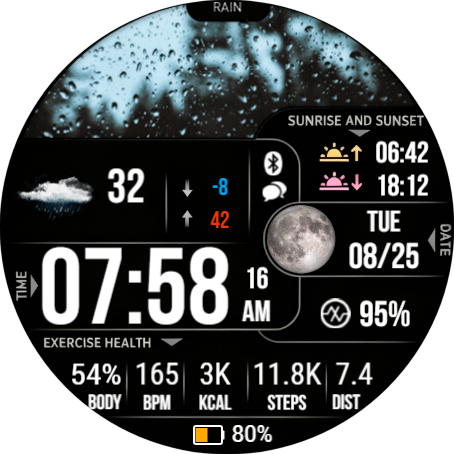
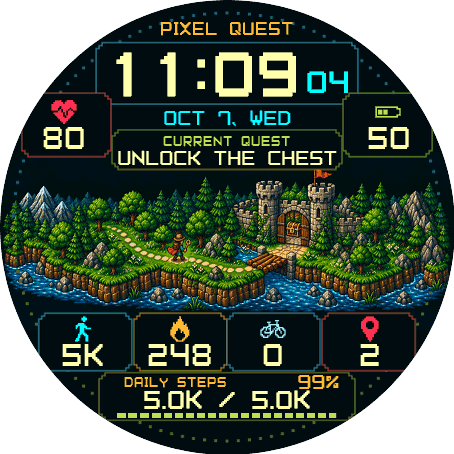
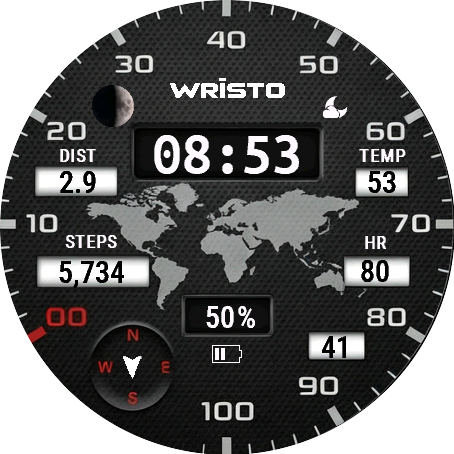
Where Can I Find the Watch Faces Included in My Bundle?

FAQ
How to browse, install, and activate watch faces after purchasing a Wristo bundle.
Where are the other watch faces?
A Wristo bundle provides activation access. The included watch faces are not sent individually by email.
You can browse all available watch faces or search for a specific watch face on Wristo.io.
Which apps can I activate?
- All apps listed on Wristo.io.
- Apps in the Garmin Connect IQ Store whose descriptions mention Wristo.io.
How do I use a watch face from the bundle?
- Choose a watch face on Wristo.io or in the Garmin Connect IQ Store.
- Download and install it from the Garmin Connect IQ Store.
- When the watch face displays a six-digit activation code, activate it using the email address from your bundle purchase.
If a particular watch face cannot be activated, contact support@wristo.io and include its name or Garmin Connect IQ link.