
How to Activate Your Wristo Watch Face

Tips and Tricks
Learn how to easily activate your Wristo watch face after purchase. This step-by-step guide explains how to find your six-digit activation code, enter it on wristo.io/code , and link your Garmin device successfully. Follow these simple steps to unlock all premium features in just a few minutes.
1. Get Your Activation Code
- Open the installed Wristo watch face on your Garmin watch.
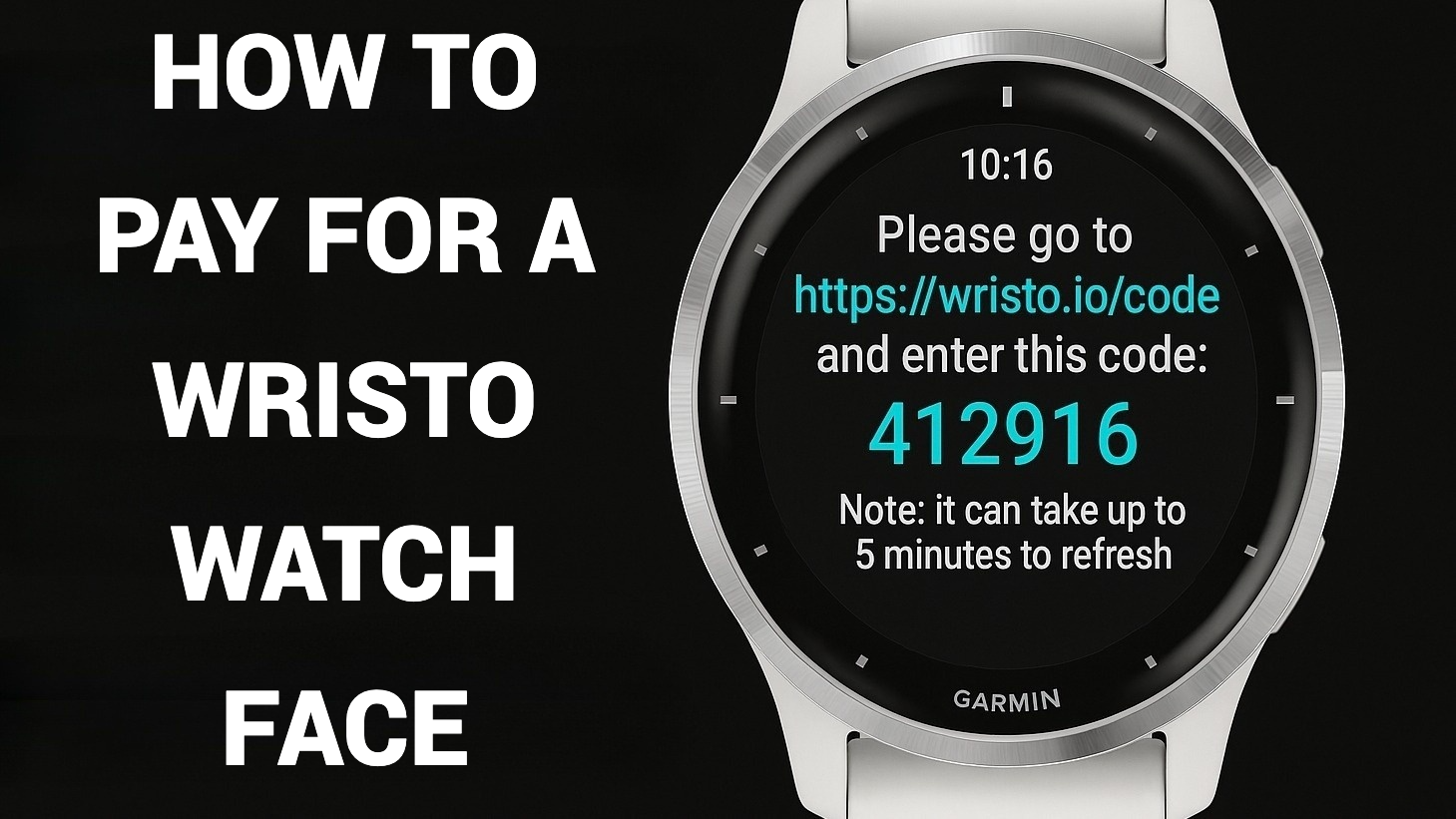
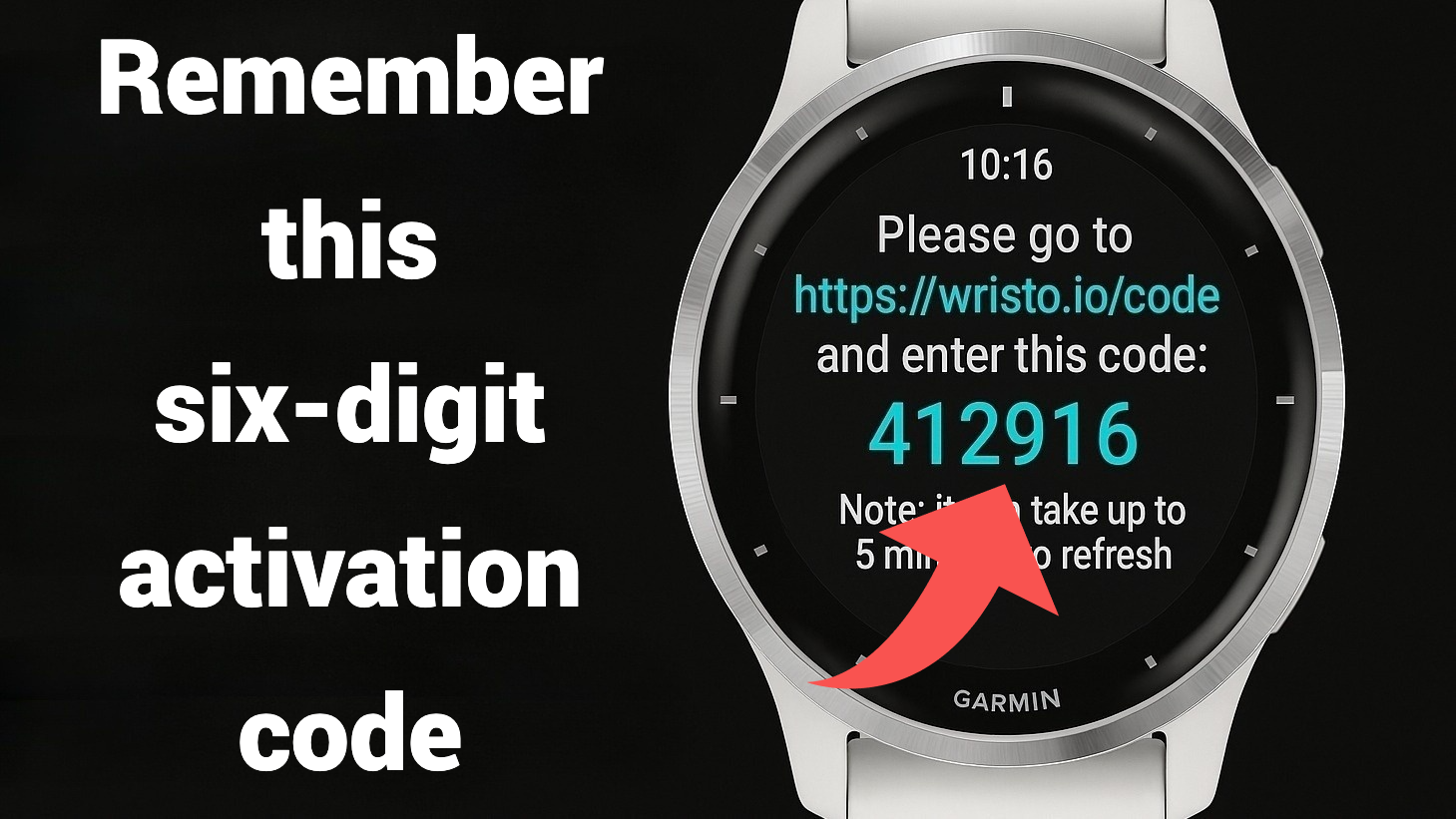
- The screen will display a message like: Please go to https://wristo.io/code and enter this code: 412916
- Write down this six-digit activation code. Each activation code is valid for about 5 minutes before it refreshes.
2. Visit the Activation Page
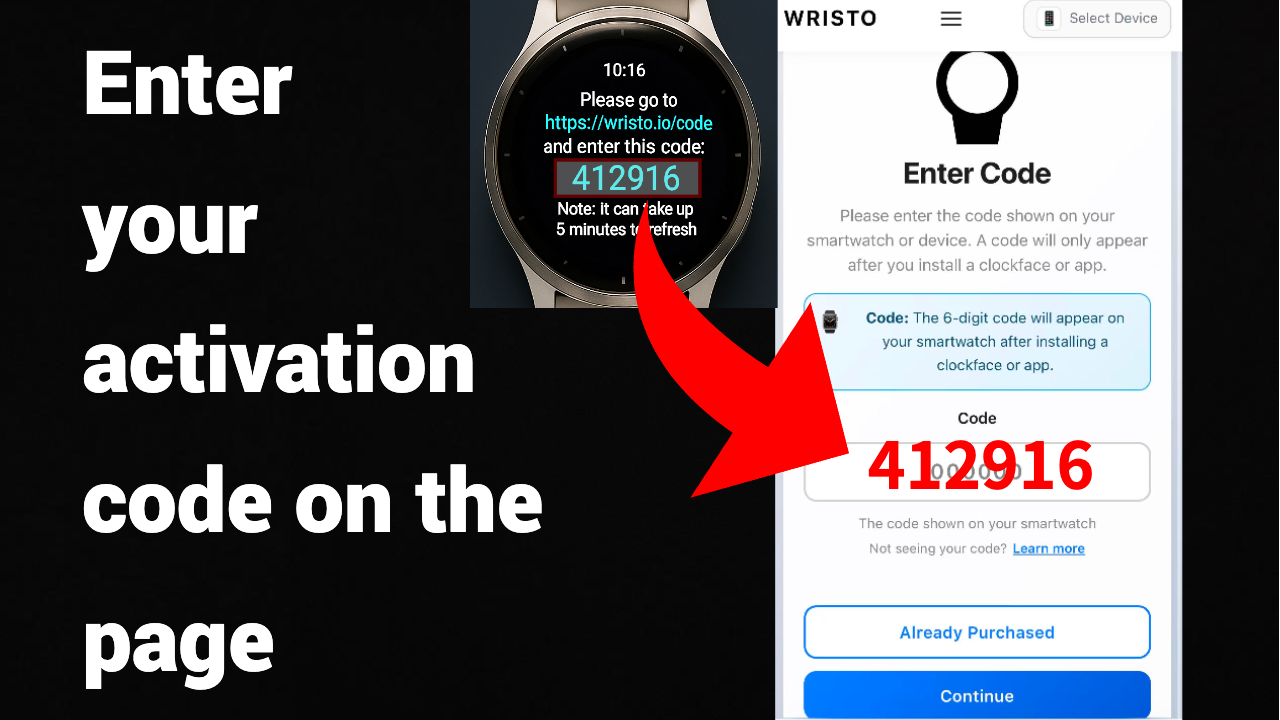
- Open your browser and go to 👉 https://wristo.io/code
- Enter your activation code on the page.If you’ve already purchased the Whole plan, click 'Already Purchased'.
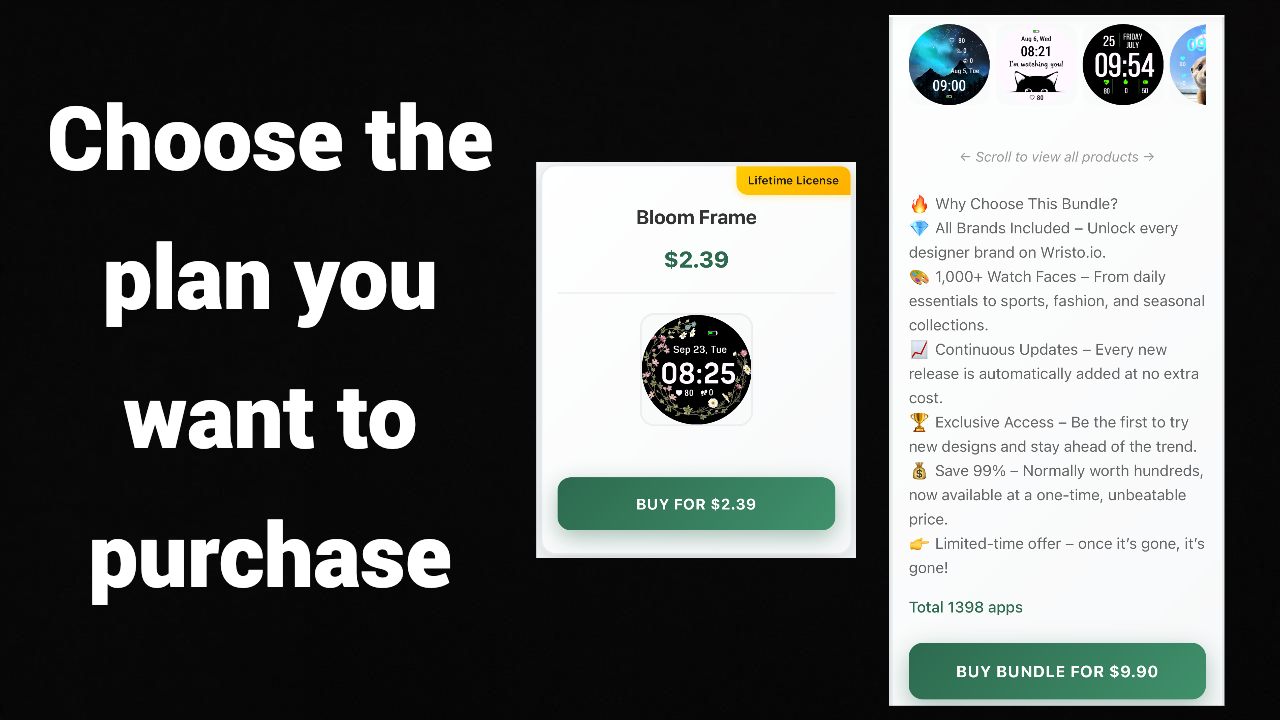
3.Choose the plan you want to purchase.
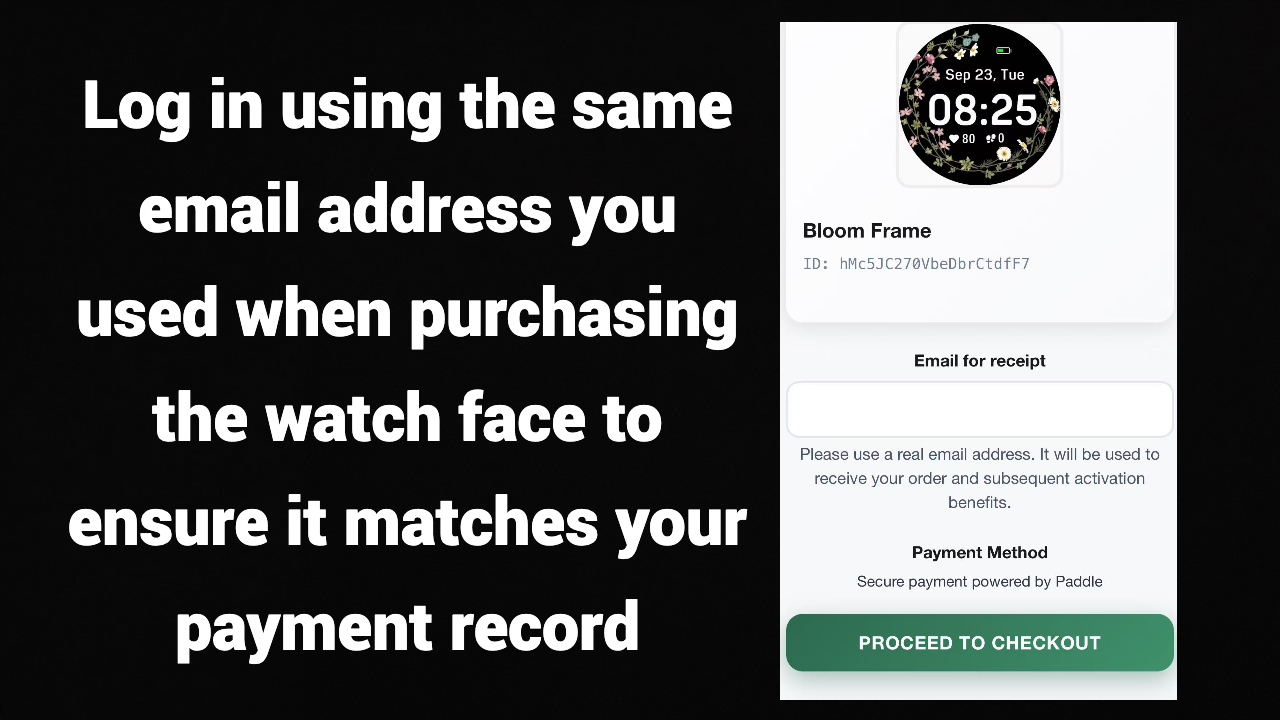
4.Log in using the same email address you used when purchasing the watch face to ensure it matches your payment record.
3. Complete the Activation
- After logging in, the system will automatically verify your purchase record.
- Once verified, you’ll see the message “Activation Successful.”
- Wait a few minutes (usually 1–5 minutes) and the watch face on your device will automatically refresh and unlock all features.
💡 Tip: If your watch face doesn’t refresh after several minutes, try resyncing it via the Garmin Connect IQ app.